Customer Panel Insights
The Dashboard
The customer username and password are provided by the dairy admin. After logging into the Customer Panel, it offers an easy way to view all the customer's milk transaction records.
All the cards shown are clickable and display the details of the selected card separately.

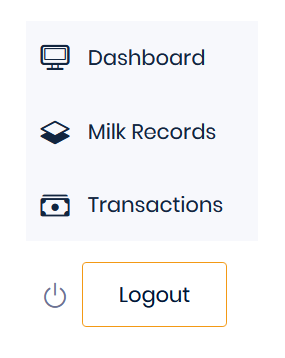
Menu Bar
The menu bar provides the following functionalities:

Dashboard
The dashboard allows customers to view all their records, balance amounts, and other details.
Milk Records
In the Milk Records section, customers can view their given and taken milk records.
Transactions
In the Transactions section, customers can view all their transactions with the dairy admin.
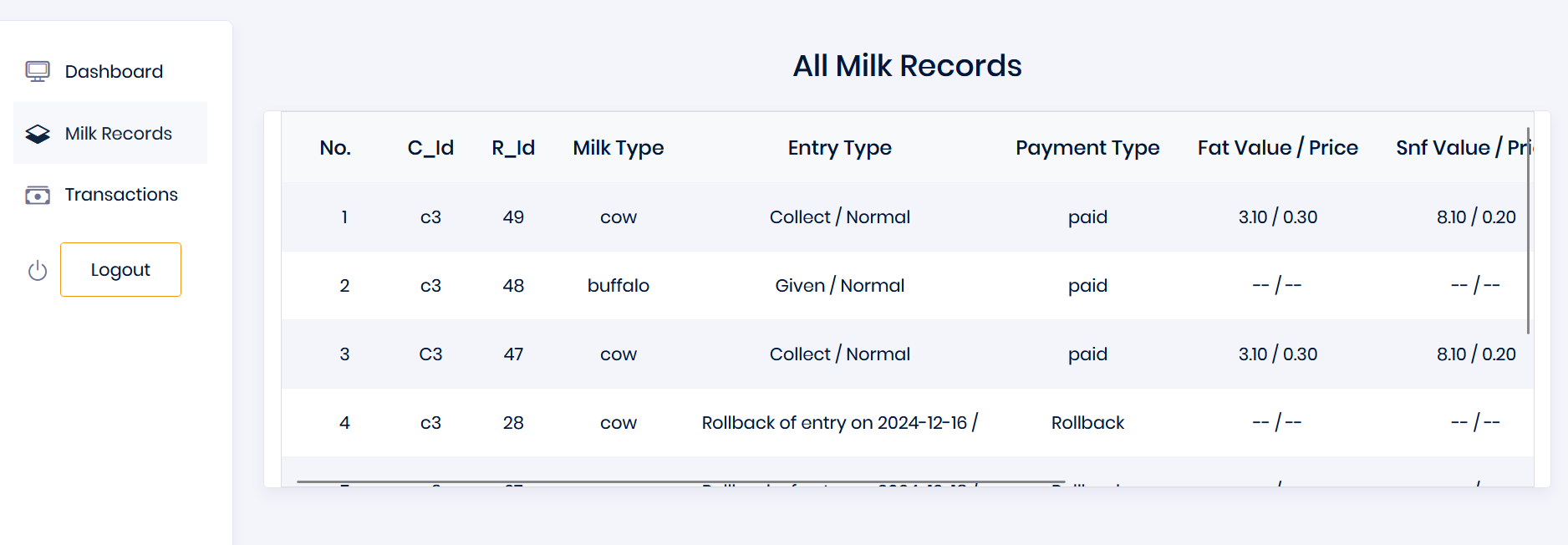
Milk Records
In the Milk Records section, customers can view their given and taken milk records.

Transactions
In the Transactions section, customers can view all their transactions with the dairy admin.
Need a Superhero?
Do you need help with your account-related issues, such as login problems, queries, or reporting bugs?

Legal Stuff
Designed & Powered by

© 2024 SuperDairy
Made withby SutharTech